
installation
Deploying Windows Monthly Updates (without WSUS)
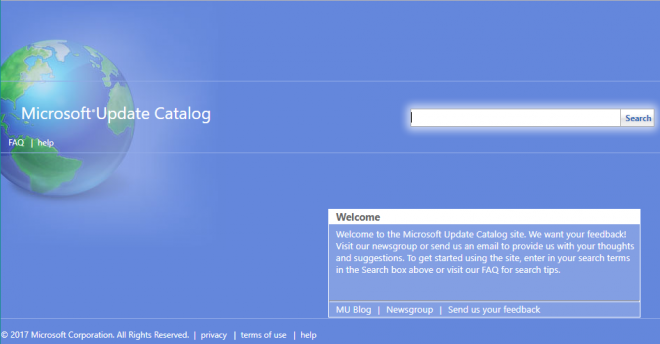
In connection with another article about Deploying Windows Updates via the Command Line, I have come to notice that it is not the end-all we thought it once was. With the Roll-Up Updates for Windows 7, 8.1, and 10, I have found a better way to deploy updates.


admin share
Add Network Clients, Protocols and Services via Command Line
In a previous post, I talked about why I couldn’t access any file shares, or connect remotely to some systems. The issue was caused by services, protocols and clients missing from the network adapters. Now that the issue had been identified, I had two choices: manually touch every machine, using the mouse for most of the work, or automate the process. This post describes the latter.